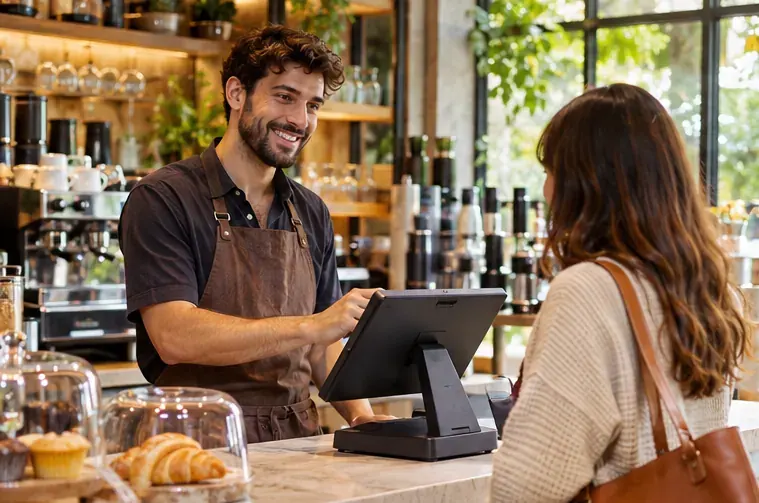
Point of sale systems sit at the exact place where a customer pays, but their value reaches far beyond the counter. A modern POS records each sale, tracks stock, organises payments and turns transactions into reports that guide everyday decisions.
This article explains what a point of sale system does, how cloud-based systems differ from traditional cash registers and where Moka POS fits for small and growing businesses such as cafés, restaurants and retail shops.

The Basic Job of a Point of Sale
At its simplest, a point of sale calculates what a customer owes, records the payment and produces a receipt. That simple job happens hundreds of times a day in a busy shop, which is why speed and accuracy matter so much.
- Building orders from a list of products and prices.
- Applying discounts, taxes or service charges where relevant.
- Recording the payment method used for each sale.
- Producing receipts and storing transaction history.
From Cash Register to Cloud POS
Traditional cash registers record totals but offer little insight. A cloud POS keeps transaction data online, so owners can review sales and stock from another device instead of waiting until they are back at the shop.
| Feature | Traditional register | Cloud-based POS |
|---|---|---|
| Sales records | Paper rolls or local memory | Stored online and searchable |
| Stock information | Usually tracked separately | Linked to products and sales |
| Reports | Basic daily totals | Detailed reports on supported devices |
| Remote access | Not available | Available where an internet connection exists |
The trade-off is a reliance on internet connectivity for syncing, so a stable connection becomes part of the counter setup.
Key Parts of a Modern POS
Hardware
Hardware includes the screen used by the cashier, often a tablet, plus optional printers, cash drawers and payment devices. Many businesses start with a tablet and add accessories as they grow.
Software
Software includes the cashier app at the counter and a management area for setup and reporting. In Moka POS, these are the Moka POS app and the browser-based Backoffice.
Data
Data is the most valuable part. Products, stock levels, payment records and sales history turn into the reports that help owners understand what is working and what needs attention.
Where Moka POS Fits
Moka POS is a cloud-based point of sale solution that brings sales, inventory, payments and reports into one connected platform. Its cashier app runs on Android devices and the iPad, and the Backoffice handles management tasks in a web browser.
The Google Play listing positions Moka for running offline and online business, with a real-time dashboard for reports. Gojek's Moka page also presents it as part of its merchant solutions for businesses of different sizes.
| Business type | How a POS like Moka POS helps |
|---|---|
| Cafés and coffee shops | Keeps orders and sales records organised |
| Restaurants | Manages daily transactions in busy service |
| Retail shops | Links products, sales and stock in one place |
| Small growing businesses | Builds consistent routines with digital records |
Questions to Ask Before Choosing a POS
Every business has different needs, so the right POS depends on how you sell. Thinking through a few questions before choosing saves time and avoids paying for features you will not use.
- Which devices will the counter use, and does the app support them?
- How many staff need access, and what should each person see?
- Which payment methods do your customers prefer?
- Do you need stock tracking, multi-outlet reports or integrations?
- What do current plans cost, according to the provider's official pricing?
Our homepage includes a pricing section that explains what to consider and links to Moka's official pricing information.
How a POS Changes Daily Work
Moving from handwritten records to a digital POS changes routines in small but useful ways. Staff spend less time totalling sales by hand, owners see clearer numbers and stock decisions rely on actual movement rather than memory.
Those gains depend on good habits: accurate product data, clear staff access and regular report reviews. The Moka application setup article shows how to build those habits from the first day.
Cloud POS and Internet Connectivity
A cloud POS relies on the internet to keep data synced between the counter and the management side. A dependable connection keeps reports current and lets owners review sales remotely, so it deserves the same attention as the counter device itself.
Many businesses keep a backup connection, such as mobile data, for days when the main network fails. Checking connectivity during the opening routine is a simple way to avoid surprises when customers start arriving.
Common Myths About POS Systems
| Myth | Reality |
|---|---|
| A POS is only for large businesses | Tablet-based systems suit small cafés and shops too |
| Switching takes weeks | Preparation matters more than the software itself |
| A POS replaces all manual checks | Physical stock counts and cash checks still matter |
| Reports are only for accountants | Owners use them for everyday decisions |
Clearing up these myths helps owners set realistic expectations and get value from a POS sooner.
Realistic expectations also make staff training easier, because the team understands that the system supports good habits rather than replacing them. That mindset turns a new POS into a steady improvement instead of a source of frustration.
Moving From Manual Records to a POS
Switching from notebooks or spreadsheets is easier when you move in stages. Start by entering products and prices, then train staff on checkout, and only afterwards add stock tracking and deeper reporting once daily selling feels comfortable.
- Keep old records until the new system has run smoothly for a few weeks.
- Choose a quiet period for the first day on the new system.
- Collect staff feedback during the first week and adjust settings.
Conclusion
Point of sale systems have grown from simple cash registers into connected tools that link sales, stock, payments and reports. Moka POS follows that cloud-based approach, giving cafés, restaurants and retail shops a practical way to organise daily operations.
Choose a system by matching its features to the way your business sells, then build steady routines around it. Explore the Moka POS features on our homepage to see how the pieces connect.